

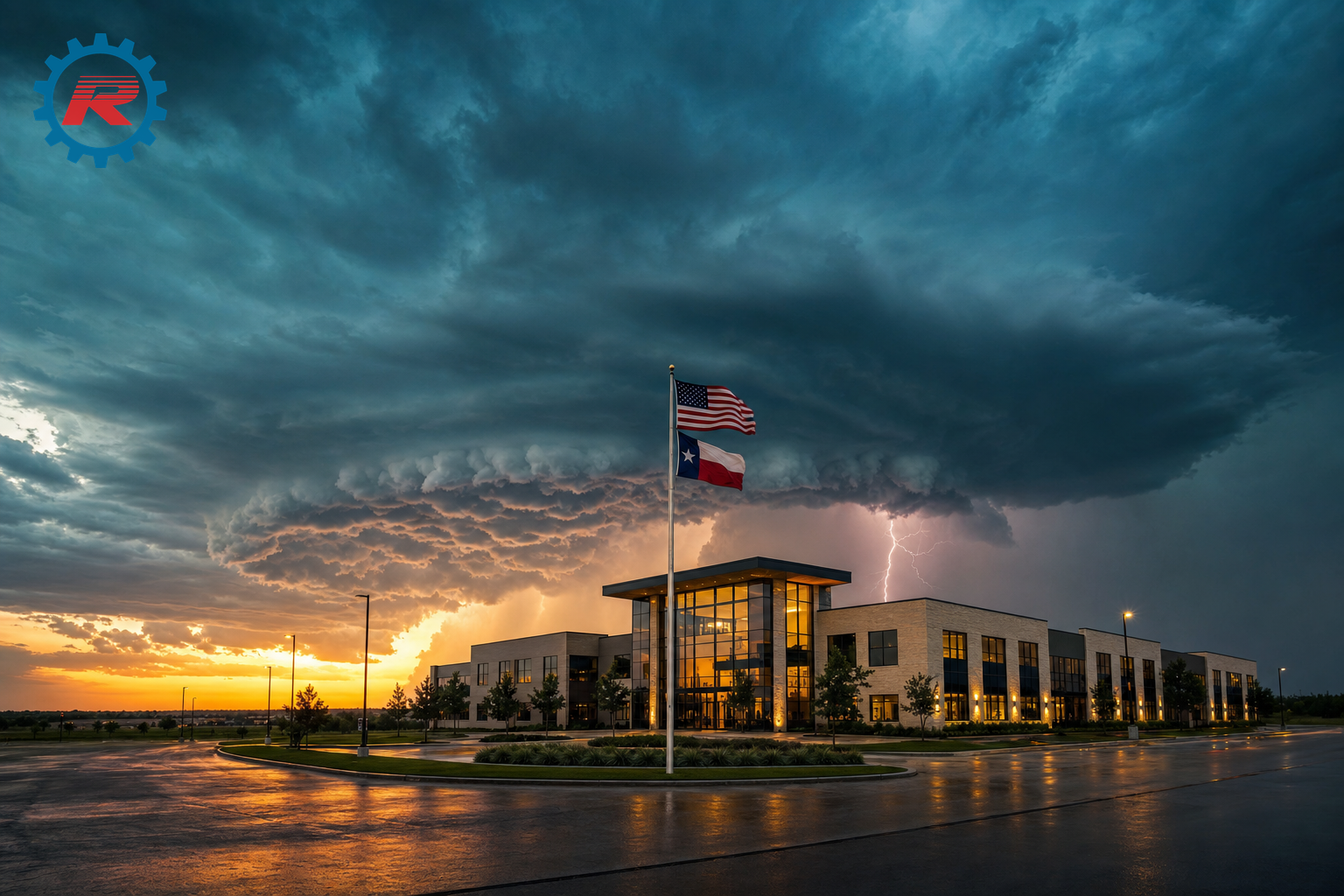
If you run a business in North Texas, DFW, or Central Texas, your weather threat isn’t what you see on national hurricane coverage. We don’t take direct landfall hits. What we do get – every storm season – are tornadoes, hail damage, derechos (severe thunderstorms), ERCOT grid stress, power outages, flash floods, and the remnants of Gulf tropical systems flooding inland.
This is the inland Texas continuity guide written for the 21 counties we at RightfIT serves between the Red River and Hill Country. We will discuss major weather events that affected this region and give you a checklist your team can run today.
A bit of regional Texas Weather History
Dallas, Tarrant, Johnson, Hood Ellis Counties – Tornado Alley’s Eastern Edge
- The Dallas Tornado of October 20, 2019 carved a 15-mile EF3 path through Preston Hollow and the Dallas Tollway corridor, knocking out power to 242,000 people and causing $1.55 billion in damage — the second costliest tornado in Texas history (Wikipedia / NWS). Six Dallas ISD schools cancelled classes the next morning. Many businesses along the path were closed for weeks.
- The Downtown Fort Worth Tornado of March 28, 2000 was an F3 that hit the central business district during the evening commute, shattering 80% of the windows on the 35-story Bank One Tower and prompting only the second-ever Tornado Emergency warning issued by the National Weather Service (Wikipedia). Two people died. Skyscrapers downtown still bear the rebuild marks.
- The Granbury and Cleburne tornadoes of May 15, 2013 hit Hood and Johnson counties on the same evening — an EF4 leveled the Rancho Brazos subdivision in Granbury (6 dead), and a separate EF3 hit east of Lake Pat Cleburne shortly afterward (NWS Fort Worth).
- The Lancaster Tornado of April 25, 1994 was an F4 that destroyed 80% of downtown Lancaster’s square, took out 223 homes and 58 businesses in Dallas County, and killed three people (Tornado Talk).
- The Arlington Tornado of April 3, 2012 was part of a dual-tornado outbreak that caused roughly $400 million in damage across Ellis and Dallas Counties (Wikipedia).
- April 24-29, 2026 — just one month before this article — a four-day severe weather outbreak ripped through North Texas. One killed and 40 families displaced in Runaway Bay after a confirmed tornado (Fox 4 News), DFW under tornado watch (Dallas Express), logged by the National Weather Service Fort Worth office as one of the most active spring weeks on record (NWS Fort Worth)
Bell, McLennan, Williamson Counties — Central Texas
- The Jarrell Tornado of May 27, 1997 in Williamson County remains one of the most destructive single tornadoes in U.S. history — an F5 that killed 27 people in less than 15 minutes and rendered entire neighborhoods unrecognizable (NWS Fort Worth — Jarrell Anniversary). It remains the benchmark Central Texas businesses still talk about.
- The Salado Tornado of April 12, 2022 was a high-end EF3 with 165 mph winds — only 1 mph short of an EF4 — that injured 23 people and damaged 63 homes and churches in Bell County (Fox 7 Austin).
- The Waco Tornado of May 11, 1953 is still the worst day in Texas tornado history for Central Texas — an F5 that killed 114 people, destroyed 600+ buildings, and damaged the Dr. Pepper bottling plant that still stands downtown today (NWS Fort Worth — Waco Tornado).
Freestone, Limestone, Anderson Counties — East-Central Texas
Most national weather coverage tends to skip this area of Texas. The weather events still happen, and rural businesses often face longer recovery times because recovery crews are spread thin. Power outages can last multiple days when lines come down between Donie, Fairfield, and Palestine – far longer than urban and suburban response times.
- The Palestine Tornado of November 15, 1987 is one of the most studied tornado-warning failures in U.S. history — written up by Texas A&M and the National Academy of Sciences as a national case study. One person killed in southwest Anderson County, 51 injured, 128 homes and 86 businesses damaged, A.M. Story Elementary heavily hit, and Camp Zion Baptist Church demolished, despite a tornado watch having been issued more than six hours in advance (National Academies — Saragosa Tornado Report, Appendix F). The warnings existed; the dissemination didn’t reach the people who needed them. Sound familiar?
- The Lake Palestine Tornado of May 25, 2024 struck the lake area on Memorial Day weekend, destroying cabins and damaging boats ahead of one of the year’s biggest tourism weekends (CBS19 coverage).
- The Kosse-to-Groesbeck Tornado of December 29, 2006 carved a 20-mile path across Limestone County during a rare winter outbreak — F2 intensity, one killed along CR 635, 20 injured, roughly 60 homes and businesses damaged, and a Governor’s disaster declaration (NOAA Storm Events Database). Per the county’s official Hazard Mitigation Plan, weather-related losses in Limestone County from 1950-2003 alone topped $93 million (Limestone County Hazard Mitigation Plan).
- Freestone County’s most recent State of Disaster was declared on June 13, 2025 by County Judge Linda Grant after the May 28, 2025 storms and flooding brought heavy rainfall, river flooding, large hail, and damaging wind gusts countywide (Freestone County Times). It’s not ancient history. It was 12 months ago.
Businesses in Donie, Teague, Fairfield, Wortham, Streetman, Kosse, Groesbeck, Mexia, Palestine, and Elkhart all sit in NWS Fort Worth’s primary warning area. NWS even maintains a dedicated Freestone County Tornado Climatology record going back to 1880 — they take this region seriously enough to keep county-level records. Local owners should too.
Texas Hill Country and Tropical Remnants
The Central Texas Floods of July 4-7, 2025 killed more than 135 people in the Hill Country and Kerr County region — one of the deadliest inland flood events in U.S. history (Climate Central). The triggering rainfall came from the remnants of a “small, short-lived” tropical system that no one on the coast considered a major event (Texas Public Radio).
2025 nationally: 23 separate billion-dollar weather disasters; Texas was hit by several (NOAA NCEI).
The point isn’t to scare anyone with old news. The point is this: direct hurricane landfall isn’t our threat. Tornadoes are. Hail is. Flash floods from tropical remnants are. Multi-day grid stress is. And every one of those events has happened — repeatedly — in the counties RightfIT serves.
What Downtime Actually Costs
Folks in the IT industry have been measuring this for years. The 2024 ITIC survey found that more than 90% of businesses estimate downtime costs over $300,000 per hour, and even micro-businesses with fewer than 25 employees lose around $100k per hour when system go dark (ITIC via EN Computers).
Typical SMBs in Texas can scale that down – but even at 10% of the average, a one-day outage puts real money on the floor. When you add in the fact that most commercial property and cyber policies have specific notification windows after a weather event, missing those can void coverage and the costs add up quickly!
The Texas Severe Weather IT Checklist
Print this. Hand it to whoever runs your IT today. If you can’t check every box, that’s the conversation worth having before storm season hits.
Before the Season (Do This in March)
- Test your backups by actually restoring something. A backup that has never been restored is not a backup; it’s a hope. Pick one file, one folder, one server image and restore it to a non-production location.
- Document your recovery time objective in writing. How many hours can you be down before you start losing customers or money? Most owners have never written it down.
- Confirm cloud-based access to email, files, and accounting. If your building floods or loses power tomorrow, can your team work from a coffee shop on a personal laptop? If the answer is “I think so,” it’s not yes.
- Update your contact tree. Cell numbers, personal email, backup phone numbers for every employee. Print a copy and put it somewhere that’s not your office.
- Verify your generator or UPS battery sizing. A UPS that gives you 8 minutes is for graceful shutdown — not riding out a 3-hour outage.
Sign Up for Free Alert Systems
Most business owners aren’t using these free alerting services simply because they don’t know about them. These systems often get rebranded or replaced, but as of this writing these are the available systems:
Statewide and Federal
- ERCOT TXANS — Texas Advisory and Notification System. Free email and text alerts for grid stress events 3-5 days in advance. Critical for August/September planning when conservation alerts are most likely.
- FEMA Wireless Emergency Alerts (WEA) — No signup required, alerts are sent automatically to WEA-capable phones. Just verify alerts are NOT turned off in your device settings.
- NWS Fort Worth — Bookmark the page and follow the office on social media for the fastest hyperlocal warnings across North and Central Texas.
DFW Metro
- DallasAlert — City of Dallas opt-in alerts. Register at the link or text DALLAS to 67283.
- Dallas County — see the Dallas County Emergency Alert Systems page for the full list of city and county options.
- ReadyFW — City of Fort Worth’s new alert system. Replaced CodeRED in 2026, so any prior CodeRED registration must be re-done. Text START to 77295 to opt in.
- Send Word Now — Tarrant County’s automated alert system for unincorporated areas (residents and businesses outside city limits).
- Collin, Denton, Johnson, Hood, and Ellis counties each run their own alert programs through their respective Offices of Emergency Management. A two-minute search of “[county name] emergency alerts” will get you to the current sign-up page.
Central and East-Central Texas
- Heart of Texas COG Emergency Notification System (HOTREADY) — Single sign-up portal that covers Bosque, Falls, Freestone, Hill, Limestone, McLennan, and Navarro Counties. This is the one Freestone County residents and businesses should use.
- Freestone County Emergency Management — Direct contact for Freestone County: Fairfield office at (903) 390-8900. Email: emergency.management@co.freestone.tx.us
- Anderson, Limestone, Bell, and Williamson counties run their own systems through their respective OEMs — a quick search by county name will get you the current sign-up.
Signing up for alerts will better prepare you, your business, and your employees for emergency events.
During the Event
- Power down non-critical equipment before the lights go out. Most computer, server, and network damages come from storms during the surge when power is restored, not when it goes out.
- Disconnect non-essential network gear from wall outlets. Surge protectors are a layer, not a guarantee. We realize this is not an option for most network equipment, but any load you can remove could save you from replacing fried equipment.
- Don’t trust untested building generators. If you building has backup generators, as the property manager when it was last load-tested and if the maintenance is current. The honest answer is usually “I don’t know.”
- Tell your team where the off-site work plan lives. If staff can’t get to the office for several days, can they answer the phone, send invoices, take orders?
After the Event
A quick note on the insurance items below. Every commercial insurance and cyber insurance policy is different. Notification windows, covered perils, documentation requirements, and what counts as a “covered event” varies by insurance carrier, policy type, and endorsements. The items in this section are general IT best practices, not legal or insurance advice. This should not be a substitute for reading your own policies. Always confirm specific information and requirements with your insurance agent, broker, or legal counsel before relying on this or any other article not provided by your insurance carrier.
- Photograph any equipment damages before powering anything back on. Documentation conditions with photos is a common-sense first step for any claim or warranty conversation.
- Verify your backup ran during the event. A storm that knocks out power can also pause the backup job. Confirm, don’t assume.
- Know your insurance notification window and meet it. Most commercial property, business owners, and cyber liability policies require prompt notice after a covered event. This is often within a specified number of ours or days. The exact window is in your policy, not this article. Call your claims agent the same day if you can and confirm in writing what they need from you. Missing a contractual notification window can complicate or jeopardize a claim.
- Audit your cloud assets. Email and file syncs, accounting platforms, and anything that saves or reports directly to the cloud can lose the last unsaved changes when the power goes out.
What Most SMBs Get Wrong
Over the past several years of helping businesses recover from severe Texas weather events, we see the same mistake over and over again:
“Our backup is in the cloud, so we’re fine.”
Cloud backups are one layer of protection, but it is not a continuity plan.
Questions you should know the answer to as a business owner or manager:
- Can the team login or work from home to keep working? (Laptops, VPN, etc.)
- Does your phone system have services in place to roll the lines over or follow your employees?
- How long can you be down before it greatly affects productivity, lost revenue, and your bottom line?
- When is the las time your backups were tested?
- Have your backups been real-world tested?
Knowing the answers to these questions before a storm hit can help you create a plan that better prepare your business for unseen disaster.
What We Offer RightfIT Clients
Every business is a bit different, so we help tailor solutions to meet the needs of our clients. Backup testing, cloud failover, surge protected equipment, battery backups, post-event audits, IT documentation & logs to help fit the business needs and budget.
Contact us for a free storm readiness consultation: 817-886-2687
We will review your current setup, point out the gaps, and let you decide to do with the information. No hard sales pitch or obligation, just something useful before the next round of sever weather.
Disclaimer
This article is provided for general information purposes only and reflects the practical IT and business-continuity guidance based on RightfIT Network Solution’ experience supporting small and mid-sized businesses across DFW, North, and Central Texas. It is not legal, insurance, or tax advice. Insurance policies, including commercial property, business owners, business interruption, and cyber liability insurance policies vary widely in coverage, exclusions, notification requirements, documentation requirements, and claim handling procedures. Statements about claim filing windows, documentation, or coverage are general in nature and do not reflect the terms of any specific policy. Before relying on any of the tips in this article in conjunction or connection with an insurance claim, regulatory notification, or legal matter, consult your licensed insurance agent or broker, your carrier, and your attorney. RightfIT Network Solutions and OCRDFW Inc. disclaim any liability for actions taken or not taken based on this content.
Jeffery Sneed, Owner, RightfIT Network Solutions
Texas-operated managed IT services for DFW and Central Texas.