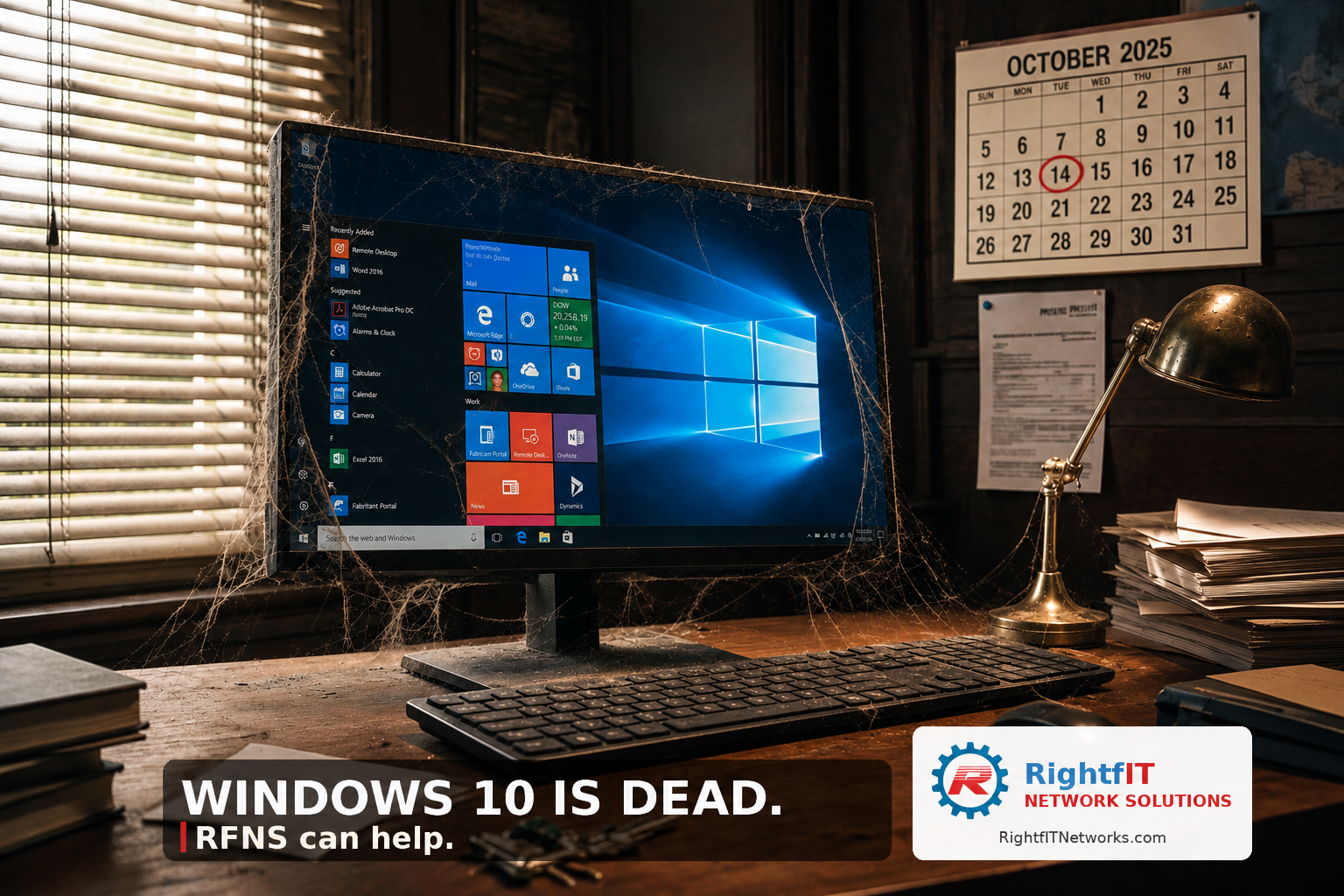
Microsoft pulled the plug on Windows 10 on October 14, 2025. That was seven months ago.
Here’s the part nobody told you: Windows 10 didn’t break that day. It just stopped getting fixed. Every vulnerability discovered since October 14 is a permanent, unpatched hole. Here’s the part nobody told you: Windows 10 didn’t break that day. It just stopped getting fixed. Every vulnerability discovered since October 14 is a permanent, unpatched hole. We’re now seven months into “no more patches.” That’s seven months of hackers reverse-engineering the patches Microsoft is still shipping for Windows 11 — and using those clues to find the same flaws sitting wide-open on every Windows 10 box.
What’s actually happening to small businesses right now?
Cyber insurance renewals are getting denied. Carriers ask “do you have any unsupported operating systems on your network?” If you check yes, your premium doubles or your policy doesn’t get renewed. We’ve watched it happen to a client in Hood County last month.
Compliance auditors are flagging it. If you handle health data, financial data, or do work for the state or feds, an unsupported OS is now an automatic finding.
Software vendors are dropping support. QuickBooks, Sage, several legal practice-management platforms, and a chunk of healthcare apps now require Windows 11. Your accounting team is going to call you about it before your IT person does.
“Can I just buy Extended Security Updates?”
Yes. Microsoft sells ESU (Extended Security Updates) for businesses for one more year — at $61 per device for year one, doubling each year after that. For a 30-person office, that’s roughly $1,800 to push the problem 12 months down the road. That can buy you breathing room. It is not a strategy.
What we recommend, in order.
Inventory. How many Windows 10 machines do you actually have? Most owners undercount by 30–40%. Don’t forget the receptionist’s PC, the warehouse kiosk, and the conference room laptop.
Sort by upgrade-eligible vs. replace. Windows 11 needs a TPM 2.0 chip and a fairly recent CPU (roughly 2018 or newer). Older machines can’t be upgraded. They have to be replaced.
Budget the replacements over 90 days. Spreading the spend over a quarter is much easier than panicking in December.
Consider ESU only as a bridge for machines you’ll replace anyway in the next 6 months.
What this means for your business:
If you ignore this, the question isn’t if you’ll have a problem — it’s whether the problem shows up as a denied insurance claim, a ransomware payment, or a failed audit. All three are getting more expensive every month.
How RFNS handles this
For our managed clients, the Windows 10 inventory and replacement plan is already done. If you’re not a client, we’ll do a free walkthrough of your environment and hand you an upgrade plan with a budget. No sales pressure.
Want a free IT assessment from a team that’s actually been doing this for a while?
Call RFNS: 817-886-2687 .
Email RFNS: helpdesk@RightfITNetworks.com
The RFNS Team. Headquartered in DFW serving the greater Dallas Fort Worth Metroplex, North Texas, and Central Texas in the following counties: Bosque, Collin, Dallas, Denton Falls, Freestone, Henderson, Hill, Hood, Johnson, Kaufman, Leon, Limestone, McLennan, Navarro, Parker, Robertson, Rockwall, Somervell, and Tarrant.